
Searching Cases by Name
Colorado offers no free statewide search by party name. What the Judicial Branch does provide is its Find Dockets service. That service lists scheduled court events. Expand the search and you can filter by party, business, attorney, or bar number. For a fuller real-time register, the Branch points the public toward CoCourts or Background Information Services. Vendor prices and search options shift over time. The official Access Guide is the place to begin.
- Identify whether the matter belongs to Pitkin District Court, Pitkin County Court, or a municipal court.
- For a hearing, select Pitkin and use the party or business name with a date range and another required filter.
- For broader history, follow the Judicial Branch's approved vendor route and narrow by county, name, and other known facts.
- Compare the result's case class and number with a notice or filing before relying on the match.
- Request the ROA or document from the Pitkin Clerk when an official record is needed.
The free calendar uses different search fields than a commercial register does.
| Field Label | Type | Required | Notes |
|---|---|---|---|
| County | Dropdown | Yes | Choose Pitkin |
| Date or range | Date control | Varies by view | Use the likely hearing period |
| Party or business | Text | No | Use exact spelling where known |
| Attorney or bar number | Text | No | Narrows scheduled events |
| Judicial officer | Dropdown | No | Available choices depend on the selected court and date |
Pitkin County Case Search Filter
Pitkin sits at county 49 in Colorado's docket query system. A prefiltered URL may already hold that number. Still, check the county name on screen before trusting any result, since search pages sometimes carry stale filters in the address or session. Clear the result, pick Pitkin again, and you avoid mistaking a neighboring county's calendar for a local case.
Court level matters too. District Court handles felony CR cases and major civil CV cases. County Court takes misdemeanor M, traffic T, county civil C, and small-claims S matters. Choose "Both" when a felony complaint began in County Court before a District Court CR case opened. Municipal citation numbers map to neither state-court level.
Searching by Case Number
A case number works better than a name for any Pitkin County docket search. Colorado's request form shows the general shape 2023AA123456. The number opens with a four-digit year, then class letters, then a sequence. Classes you may see include C, CV, CR, CW, DR, M, PR, S, and T. Copy it exactly from the summons, order, or filing. Memory will fail you here.
Those letters also steer you toward the right docket family. CR means criminal, CV is District civil, CW is water, and DR is domestic relations. PR covers probate. M is misdemeanor. T is state traffic. C is County Court civil, and S is small claims. Watch for a second number after an appeal or a transfer. The ROA may cite a related case. Then run a lookup on both the original and the receiving number.
Pitkin County Case Search Codes
Class letters keep a Pitkin County case search from mixing unlike files into a single list. They also explain why one party can show up in two court records. A felony complaint may start in County Court. It can later become a CR filing in District Court. Municipal citations run on a different format and a different custodian. Aspen reports use CN, IT, and INT year-sequence formats. None of those belong in a Colorado state case number field.
- CR and M
- Felony criminal and misdemeanor docket families.
- CV and C
- District civil and County Court civil matters.
- DR, PR, and CW
- Domestic-relations, probate, and Water Division case families.
- T and S
- State traffic and small-claims matters.
Treat the code as a filter, not a verdict. A class letter tells you the record family and nothing more. The docket entry still will not say whether the case is open, dismissed, decided, or restricted.
What a Case Search Returns
Two tools, two depths. The free Pitkin calendar and the statewide vendor pull different detail from court records. Calendar cards stick to events: hearing date, start time, duration, party or business name, case number, hearing type, courthouse, appearance type, and courtroom. That is plenty for tracking a court date. But a docket entry there stops short of the case file itself, with no charge statutes, no claims, no complete filings, no signed orders, no financial history, and no final disposition.
| Case Number | The year, class, and sequence that identify the file. |
|---|---|
| Caption or Party | The public case style or the name tied to the scheduled event. |
| Hearing Type | The event label, such as arraignment, hearing, review, or trial. |
| Date and Time | The schedule snapshot, subject to a later reset or order. |
| Location | The county, courthouse, courtroom, and appearance mode when populated. |
| ROA Chronology | Available through vendor access or a direct court request, not the basic calendar card. |
Treat any result row as a lead. A certified copy of the signed document behind a docket entry must be requested from the court.
Pitkin County Case Search Vendors
Colorado's own Access Guide to Public Records names two commercial sources for real-time Colorado register data. Those sources are CoCourts and Background Information Services. Both let you search by indexed criteria. Examples are name, county, case number, and narrowing facts. Costs vary. The required fields and prices sit in each vendor's current terms. The official guide beats any fixed price claim.
The CoCourts statewide register shows its own manifest of coverage and search options.
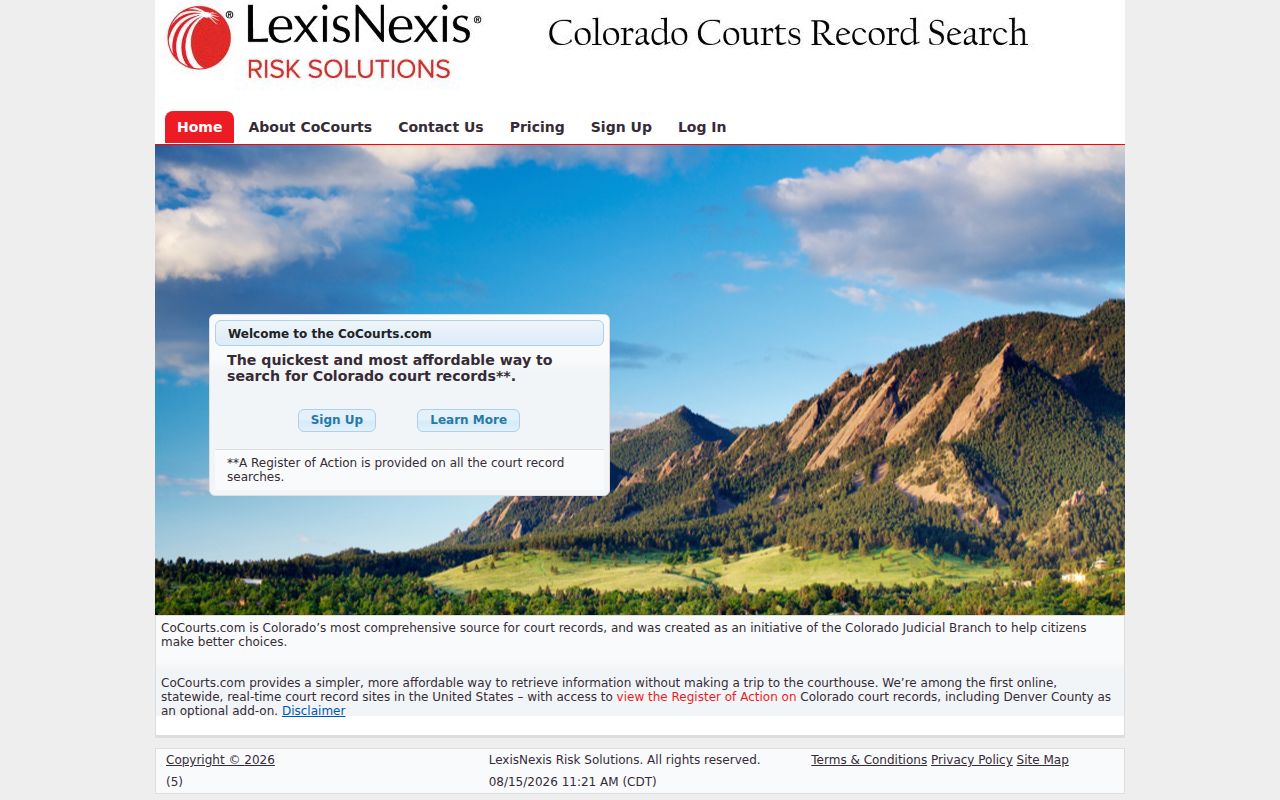
CoCourts can point you to a Pitkin County ROA. Its search result, though, does not hand over the complaint, motion, order, or any other filed image.
Statewide vs County Case Search
Pitkin County doesn't run its own separate case database. Colorado's unified court system handles records at several levels instead. Want to know when a public event is set? The free state calendar answers that. For broader real-time register data, a statewide vendor indexes it. Need the authoritative record of actions or filed documents? The local Clerk of Court is the office to contact. Municipal clerks sit outside this chain entirely, keeping their own dockets for their own cases.
| Route | Best Use | Key Limit |
|---|---|---|
| Find Dockets | Free Pitkin hearing lookup | Schedule, not full history |
| CoCourts or BIS | Statewide ROA index search | Commercial access; no filed copies |
| Pitkin Clerk request | Official ROA or known document | Fees and access rules may apply |
| Municipal clerk | Aspen, Basalt, or Snowmass Village matter | Separate from the state case system |
Match the tool to the question you're asking. A hearing finder can tell you when court dates are scheduled, but it can't prove how a case ended. And a vendor index is not a clerk-certified file, so treat it as a starting point rather than the last word.
Pitkin County Case Search and CCE
Colorado Courts E-Filing goes by the shorthand CCE. It is an account and filing system, not a public search engine for names. A party who is not an attorney can opt into an eligible connected case. Once the court accepts that registration, the official guidance grants access. That party gets around-the-clock access to the case file.
Why do two users see different documents? Access levels explain it. Public items are open broadly under the access rules. Protected items become public only after required redaction. Restricted, Suppressed, and Sealed levels reach much narrower audiences. So filing something through CCE never makes it visible to a stranger, and a CCE login is no substitute for a public vendor search of the Pitkin County court docket.
Pitkin County Case Search Gaps
A search that returns nothing is rarely the end of the road. Start with the summons or the filing, which names the issuing court. Aspen, Basalt, and Snowmass Village keep their own clerks. Each handles its own municipal ordinance and traffic cases. Search Aspen's public docket archive, check Basalt's event calendar, or call the Snowmass Village clerk. None of those stands in for the others.
Then test exact spelling and the full case number. Confirm whether a County Court event produced a District Court number. For an old state matter, ask about off-site retrieval. Consider restricted access only after those checks, as one possible cause among several. The Pitkin County court calendar can still locate a current hearing. That holds even when the full case history is not openly browsable.
Pitkin County Case Search Request
The most direct route is the statewide Record/Document Request Form with Pitkin selected. Give the case number when you have it, your contact information, and the document category. Register of Action/ROA returns a concise case history. Criminal and traffic choices include a disposition or sentence order, protection order, and ticket. Civil options cover an order for judgment, transcript of judgment, satisfaction, and protection order.
The form sets a response target of three business days, absent extenuating circumstances. That target is not a guarantee every file arrives within the window. Retrieval, redaction, certification, and off-site storage can add both time and cost. The Pitkin Clerk also takes requests at 506 E. Main Street, Aspen. Requests go by phone at 970-925-7635 as well. Email works too, at PCAspen@judicial.state.co.us. A quick call can confirm what the docket search needs before you send anything.
Pitkin County Case Search Archives
No modern portal reaches all of Pitkin County's court history. Colorado State Archives finding aids list an attorney's docket from 1865. They also show civil and criminal case files from 1881 through 1893. The 1881 holdings include registers of actions, probate registers, wills, and fee books. These bound series predate vendor feeds and structured electronic case numbers by a wide margin.
For a historic case, collect names, an approximate year, and the case type. Add any volume or series clue. Ask the Pitkin Clerk whether the file is still local. It may have moved to archival custody. Then follow the archive's series and call-number process. Remember that empty results in CoCourts or the current calendar say almost nothing about a nineteenth-century proceeding.
Access and Restricted Cases
Chief Justice Directive 05-01 governs public access to Colorado court records. Public does not mean every case is anonymously downloadable. Sealed and suppressed cases may simply be absent from ordinary results. Restricted documents open only to certain roles. Juvenile records follow the Children's Code. Some probate or protected content demands identification, status, redaction, or a court order.
A missing result proves nothing. The search may carry the wrong court, spelling, year, class, or number. A municipal matter may never have entered the state system at all. Older material may sit off site or at the archives. Ask the Pitkin County clerk which access rule applies. Don't assume every hidden docket entry is sealed.
Pitkin County Case Search Identification
The record-request form warns about suppressed cases, juvenile or probate records, and protected material. These may require U.S. government-issued photo identification. Showing ID does not unlock everything. It simply helps the clerk decide one thing. That is whether you hold the party status or authority required by the governing rule and any court order.
Ask what proof is needed before you travel or mail sensitive material. Use the clerk's official channel and cite the exact case number. If access is denied or limited, ask why. Request the authority behind the restriction. Also ask for the proper process for seeking authorized access. Even an eligible person inspecting a broader version may find that public copies of the court record come out redacted.