
How to Search the Pitkin County Court Docket
Need a state-court hearing date in Pitkin County? Begin with the free Colorado Judicial Branch docket calendar. It lists scheduled proceedings for both Pitkin District Court and Pitkin County Court. Just know its limits. The calendar is a schedule, not a full case history under a name. For the fuller register of actions, called an ROA, use the commercial vendors named in the Judicial Branch access guide or ask the Clerk of Court at the Pitkin County Combined Court. Municipal cases in Aspen, Basalt, and Snowmass Village live with each city clerk instead.
The official Pitkin trial-court page is the hub for these docket tools, grouping the state court links and docket entry points in one place.
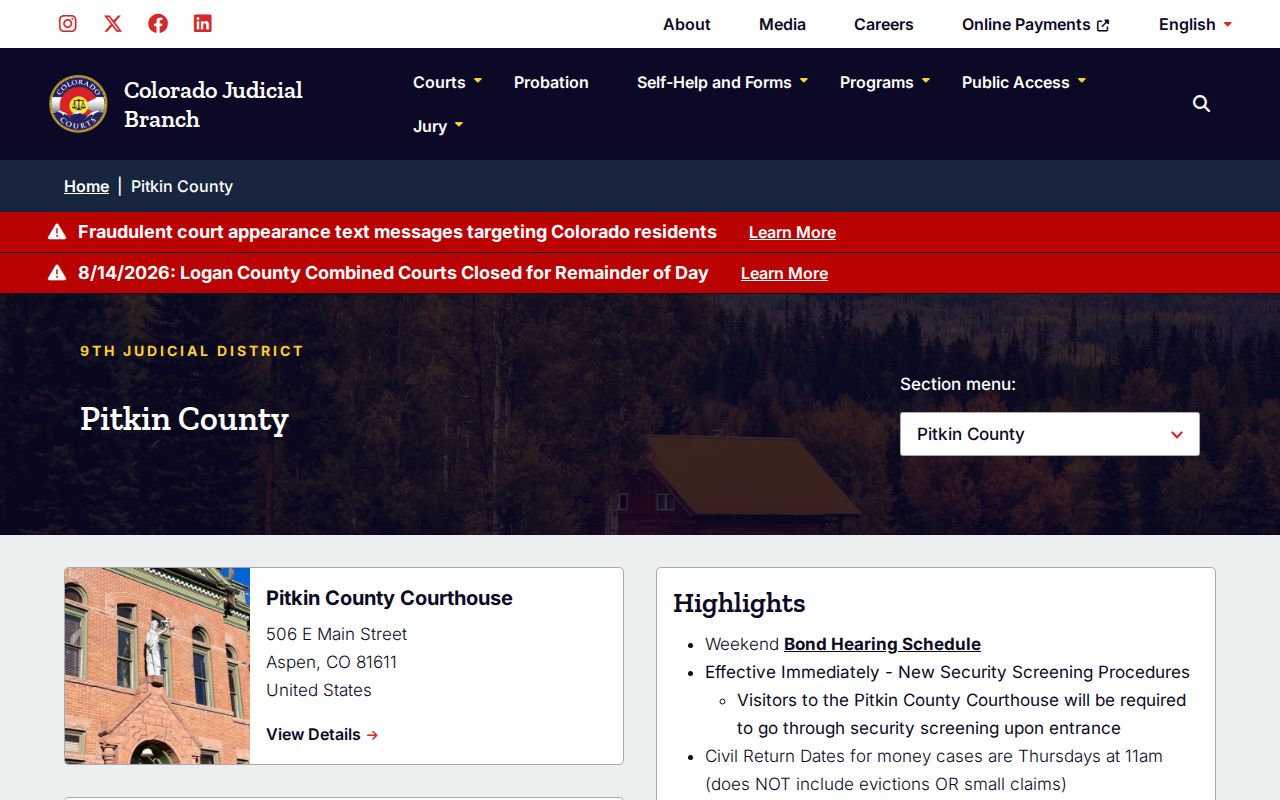
That same court page also carries current alerts. Weather, closure, and operating notices can override a docket entry, so check it before you rely on a listed hearing.
- Read the summons or latest order and identify state court versus a municipal court.
- For state court, select Pitkin County and the needed date in the official docket calendar.
- Add a judicial officer when known, then compare the case number, caption, setting, room, and appearance type.
- For full chronology, use the official access guide's vendor route or request an ROA from the Pitkin clerk.
- Confirm a consequential appearance with the clerk or most recent order.
Note: An old docket result documents history. It does not prove the hearing is still set.
Pitkin Docket Calendar Fields
The state calendar wants a county and a date. Adding a judicial officer narrows the results further. The free Colorado Judicial Dockets interface reports scheduled events, not every filing in a case.
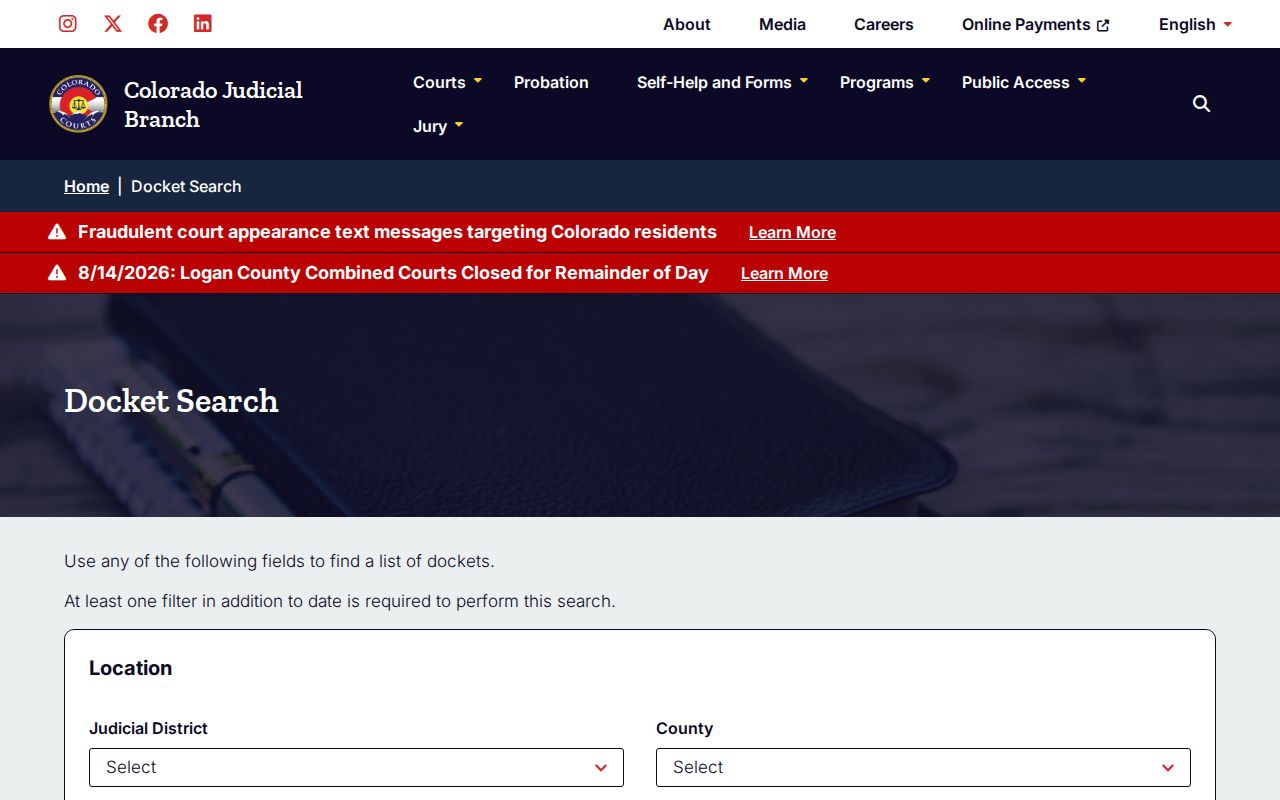
This layout shows how the simple calendar filters differ from the richer request form and vendor register. The calendar works best once you already know the likely hearing date.
| Field | Use | Limit |
|---|---|---|
| County | Choose Pitkin for state trial dockets | Does not reach municipal files |
| Date | Sets the calendar day | Not a party-name history search |
| Judicial Officer | Narrows a known division or judge | Optional and date dependent |
| Results | Show time, case, type, location, and room | Do not supply filed documents |
What a Court Docket Shows
A calendar result and an ROA answer different questions. The calendar tells you when and where a public setting happens. The ROA is a dated index. It is a short procedural history. It can list filings, minute orders, charges or claims, settings, judgments, sentences, and disposition. Neither one hands you the signed pleading or order itself. When exact language matters, ask for the underlying document.
| Case number | A year, class, and sequence such as 2023AA123456; copy it rather than reconstructing it. |
|---|---|
| Case class | CR, CV, DR, PR, CW, M, T, C, or S identifies a docket family. |
| Caption | The formal case title and the parties or matter. |
| Events | Filings, minute orders, motions, notices, and hearings in date order. |
| Setting | Date, time, hearing type, judicial officer, location, appearance type, and courtroom when populated. |
| Disposition | The recorded result, which may require the signed order for full meaning. |
Colorado Courts E-Filing applies five security levels: Public, Protected, Restricted, Suppressed, and Sealed. So a docket entry can exist even when its image stays hidden from an anonymous viewer.
Three Pitkin Docket Products
The most common mistake is treating every court product as the same thing. Pitkin's free calendar is only a schedule snapshot. CoCourts and BIS sell real-time register data under arrangements the Judicial Branch identifies, though neither service provides copies of filed documents. For a certified record, go to the clerk.
| Product | Best use | Official limit |
|---|---|---|
| Free docket calendar | Find a public hearing date and courtroom | Not the full case history |
| Vendor ROA | Review a chronological case index | No filed document copies |
| Clerk copy | Obtain a pleading, order, ROA, or certified item | Fees and access rules apply |
The official access guide lays out these channels and explains how court case records differ from administrative records.
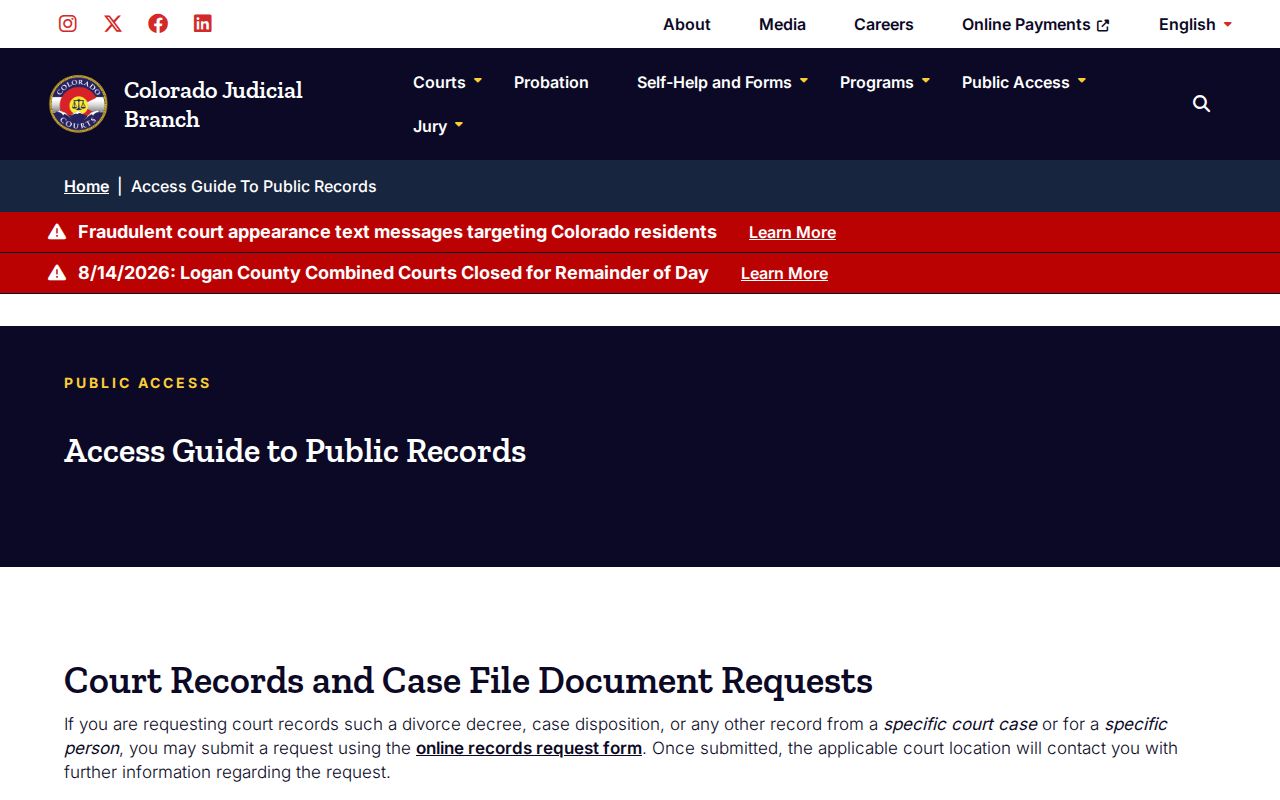
That distinction points you to the right product before you spend time or copy fees.
Which Courts Keep Dockets
Colorado runs one unified Judicial Branch. At the Pitkin combined courthouse, the clerk maintains records for both courts. Those courts are District Court and County Court. District Court handles felonies, major civil cases, domestic relations, probate, and Water Division 5 matters. County Court keeps misdemeanors, state traffic, small claims, evictions, and county-level civil cases. A felony complaint can start in County Court. Any District Court CR filing may show up later. Municipal citations stay separate.
| Court | Docket covers | Where to search |
|---|---|---|
| Pitkin District Court | CR felony; CV civil; DR, PR, and CW matters | State calendar, vendor ROA, or Pitkin clerk |
| Pitkin County Court | M misdemeanor; T traffic; C civil; S small claims; eviction | State calendar, vendor ROA, or Pitkin clerk |
| Aspen Municipal Court | Aspen Charter, Code, penalty, and traffic cases | City docket PDF/archive or municipal clerk |
| Basalt Municipal Court | Basalt ordinance and municipal traffic cases | Town calendar or municipal clerk |
| Snowmass Village Municipal Court | Town ordinance, misdemeanor, and traffic cases | Published schedule or municipal clerk |
Pitkin Case Codes in Plain Terms
A case number routes a request better than a name. Colorado's request form shows 2023AA123456 as a general format. Pitkin records usually follow the class-letter pattern. But copy the exact number from your notice or docket result. An appeal or transfer may generate a new number in the receiving court.
- CR and M
- District felony criminal and County Court misdemeanor classes.
- CV and C
- District civil and County Court civil classes.
- T and S
- State traffic and small-claims classes.
- DR, PR, and CW
- Domestic relations, probate, and water matters in District Court.
- ROA
- The Register of Actions, a dated index and brief case history.
Guessing the year, class letters, or sequence can bury the correct Pitkin County docket. When a register mentions a transfer, appeal, or related case, search both linked numbers.
Finding Court Dates and Settings
Start with your newest summons, notice, or order. Then check the Pitkin state calendar by date. Read every detail: event type, judicial officer, time, appearance type, and room. Each label marks a different stage, whether arraignment, bond hearing, pretrial, motion hearing, trial, sentencing, or review. A reset or continuance moves a setting; vacated means the event will not proceed.
Pitkin follows a set pattern for money-case civil returns in state court: Thursdays at 11:00 a.m. Evictions and small claims are expressly excluded. Municipal courts run on their own clocks. Aspen generally sits the first and third Wednesday, adding a fifth Wednesday when the month has one. Basalt usually sits the second Friday. Snowmass Village generally sits the third Wednesday unless no matters are pending.
A remote link is not permission to appear online. Confirm first that remote appearance is authorized. The detailed Pitkin County court calendar process covers resets, printed results, municipal schedules, and missed settings.
Pitkin Cases Missing Online
A blank result is a reason to check your route. It is not proof the case is absent. Verify the spelling, date, court, and class. A municipal citation never shows in the state court's complete file. An old Pitkin file may sit off site or in the Colorado State Archives. Protected, restricted, suppressed, sealed, juvenile, or sensitive probate matters carry extra limits. They may require identity, party status, redaction, or a court order before anyone can see them.
If the case belongs in state court, ask the Pitkin clerk for an ROA. A known document works too. The statewide request form may demand government photo identification for certain protected requests. City matters go to Aspen, Basalt, or Snowmass Village. For archival files, supply the year, the court, and any known volume or case reference.
Missing result: Check the issuing court first, then the number and class, then access limits and archival custody.
Note: Vendor access and a party's CCE view can display different information. They serve different users and security levels.
Public Access to Dockets
Public access has limits in Pitkin County. Not every filing is a download away. Colorado judicial access rules govern case records, and criminal justice records answer to their own statutory standards. Judicial administrative records sit under a separate framework that borrows from the Colorado Open Records Act, while juvenile records follow rules of their own.
Key Rules:
Chief Justice Directive 05-01 sets access rules and exclusions for court case records.
P.A.I.R.R. 1 and the court-record framework distinguish case records from Judicial Branch administrative records.
C.R.S. sections 24-72-301 through 309 govern access to Colorado criminal justice records.
Colorado Children's Code applies separate limits to juvenile records.
For an official record, the court or clerk is still the source. When access is restricted, a docket search may return little or nothing, yet an authorized party keeps full access.
Pitkin Docket Request Form
Use the Colorado Record/Document Request Form to route a records request to the right court. The form collects requester contact details and an address, plus a case number if one is known and a clear description of the exact record wanted.
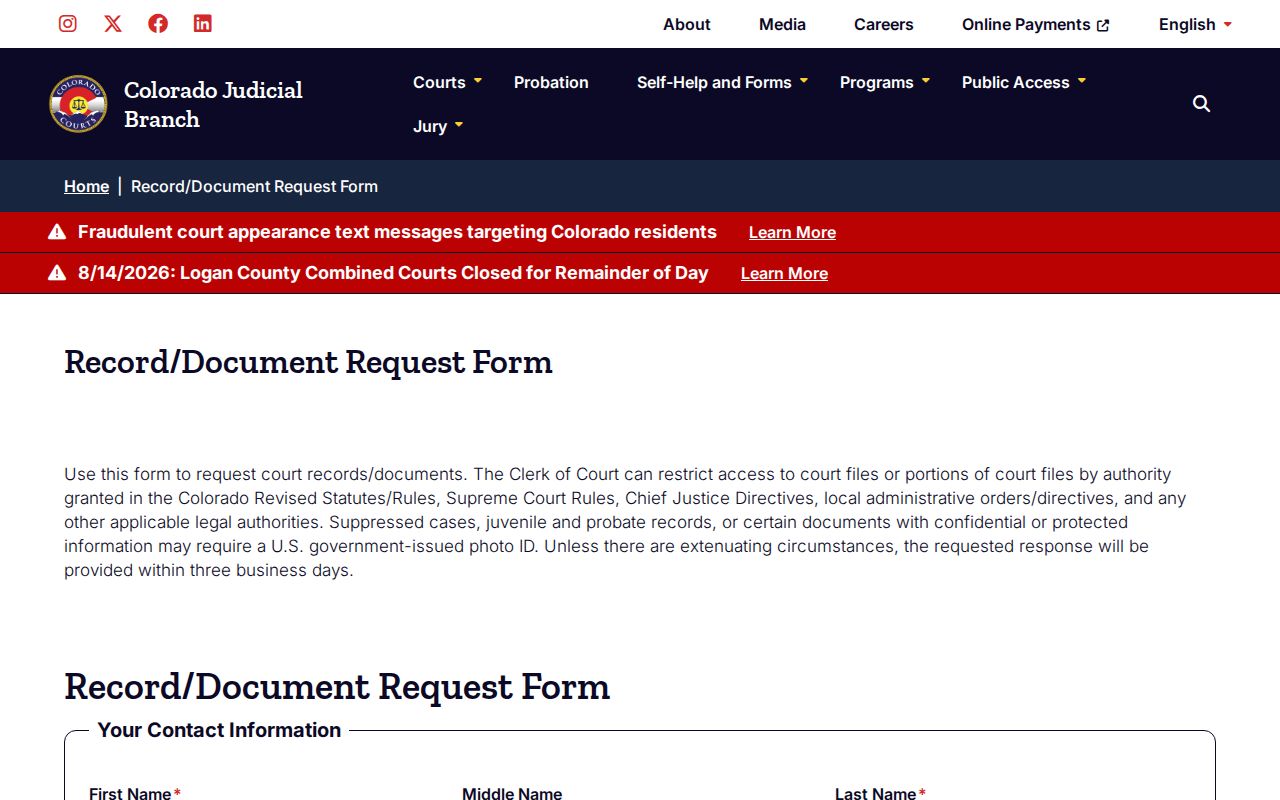
The form distinguishes an ROA from a judgment, ticket, disposition or sentence order, protection order, and probate record. It also asks whether certification or exemplification is needed. Expect a response ordinarily within three business days, absent unusual conditions. That clock is not a delivery promise. Older retrieval, page count, research, redaction, and certification can all change cost and timing. Transcript requests go by email to PCAspen@judicial.state.co.us. The court warns that e-filing alone does not reach the person who retrieves the recording.
The Clerk and Docket Records
Analy Luquin-Andrade serves as Clerk of Court, Probate Registrar, and Jury Commissioner. Do not confuse her office with the Pitkin County Clerk and Recorder. The court clerk holds state case records. The county recorder sits at another Main Street address. That office handles county functions such as recording, elections, and licensing. The official Pitkin County Courthouse profile lists the records counter contact and public hours.
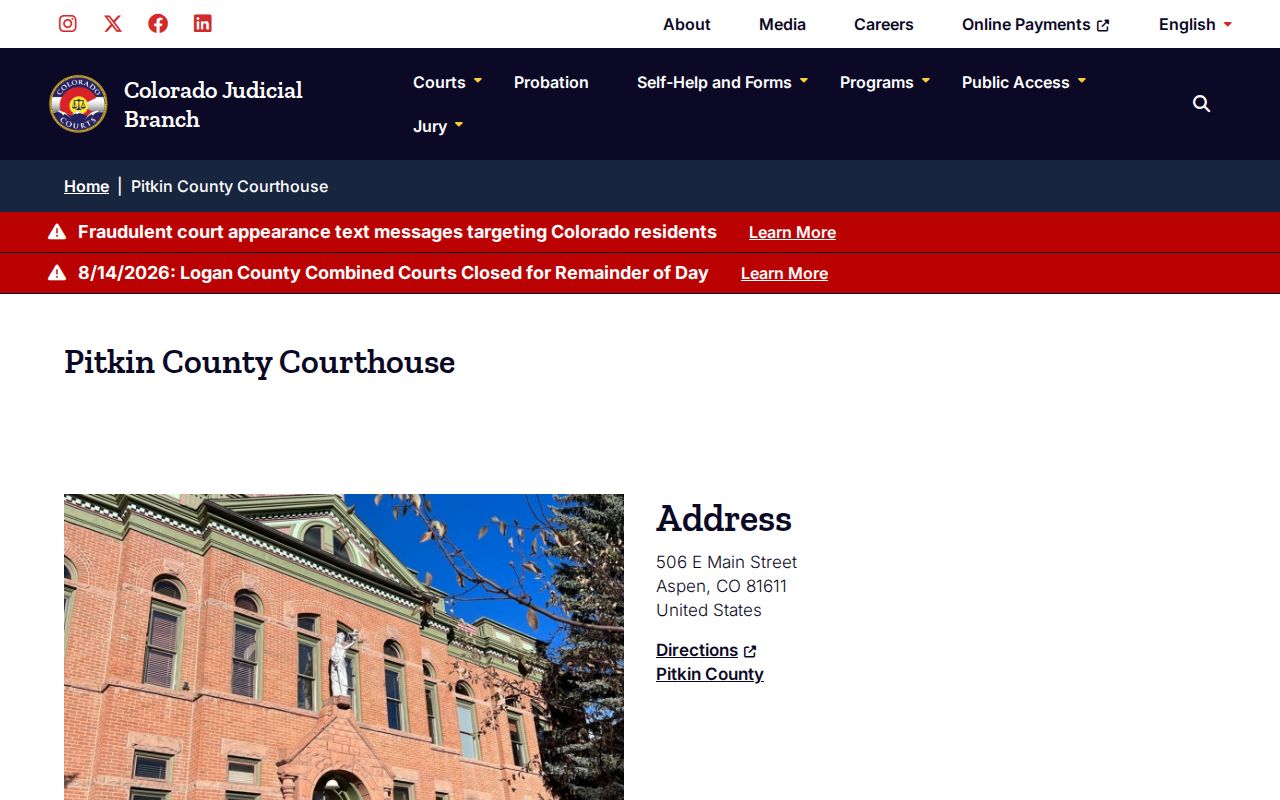
This state-court location houses District Court, County Court, probate registration, and the clerk counter. Public hours run Monday through Friday, 8:00 a.m. to noon and 1:00 to 5:00 p.m. State holidays are the exception.
Clerk of Court, Pitkin County Combined Court
506 E. Main Street
Aspen, CO 81611
970-925-7635
PCAspen@judicial.state.co.us
Pitkin Clerk Copy Fees
Name the exact product in a request and ask for an estimate. Under Colorado's current schedule, ordinary copies cost 25 cents per page. Parties and their attorneys pay no more than $15 for copies, regardless of page count. That cap does not apply to nonparties. A name search runs $5. Certification or exemplification adds $20 per document, plus copying.
| Item | Official amount |
|---|---|
| Copy | $0.25 per page |
| Party or attorney copy maximum | $15; no cap for nonparties |
| Name search | $5 |
| Transcript of Judgment | $25 |
| Certificate of Satisfaction | $20 |
| Certified or exemplified copy | $20 per document plus copying |
| Off-site retrieval | Actual retrieval cost |
| Research or redaction after first hour | $30 per hour in 15-minute increments |
Waivers based on statute or directive may apply. No fixed total is safe until the clerk reviews page count, retrieval, redaction, and authentication.
Pitkin Dockets Through Time
Pitkin's record trail predates any web portal. The Colorado State Archives holds an 1865 attorney's docket. It also keeps separate civil and criminal registers from 1881, nineteenth-century case files, probate registers, wills, and fee books. Those holdings are exactly why a modern vendor search can never serve as a complete historic index for Pitkin court records. The courthouse went up in 1889 and 1890 and was dedicated in 1891. During part of 2022, a major modernization pushed court functions to the Aspen Armory. The building reopened that September with more court capacity, updated technology, better security, and accessibility work, all while keeping its historic fabric. Today the state database feeds register data to vendors, and CCE gives filers and eligible parties access to connected cases. No documented first e-filing date exists. So the reliable story is the shift itself: from bound registers to the current mix of calendar, vendor, clerk, and party-access channels for the Pitkin County court docket.
Pitkin Municipal Docket Boundaries
Three incorporated municipalities means three more dockets to check. Aspen publishes a current municipal docket PDF plus an archive. Basalt posts session dates through its calendar. That calendar is not a party-name ROA. Snowmass Village lists its regular court schedule and sends case questions to its clerk. The official Aspen Municipal Court page shows its docket and session entry points.
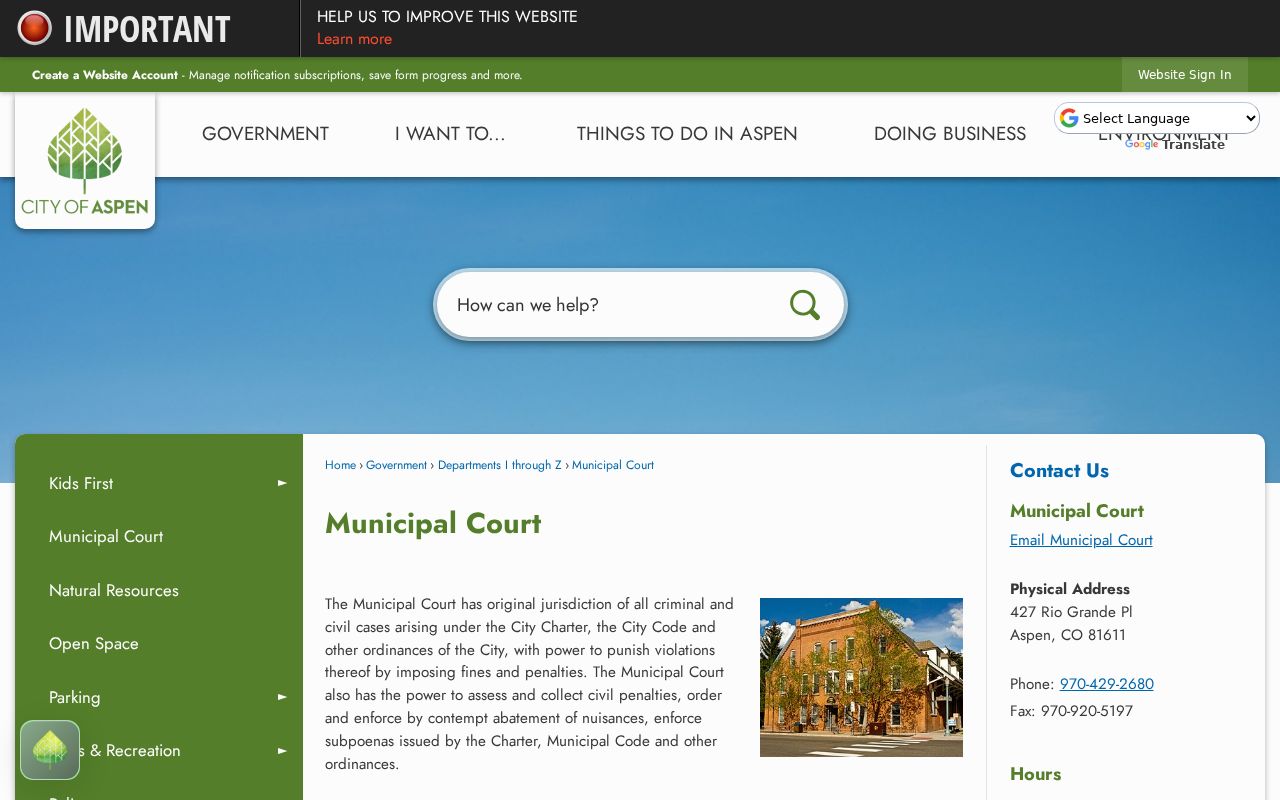
Read an Aspen citation closely, because it can name either municipal court or state County Court. The city's own page identifies its jurisdiction and its separate clerk. The Basalt Municipal Court page documents another distinct city route.
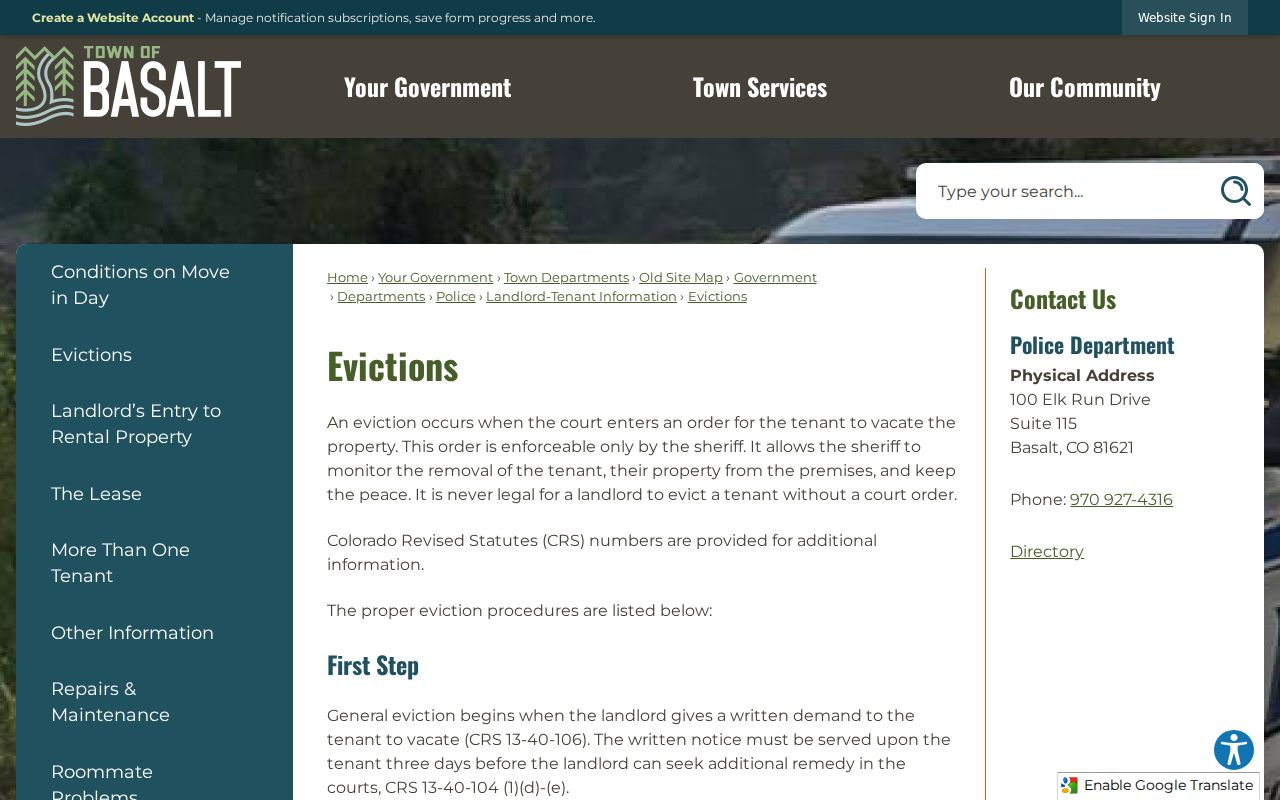
Basalt is unusual in that the town spans Pitkin and Eagle counties. Municipal Code cases stay with Basalt, while state-law cases route by county and judicial district.
Court Dockets by City in Pitkin County
The county list draws on the 2020 Census. It counts three incorporated municipalities in Pitkin County. Each municipal court controls its own ordinance and municipal traffic records. Start a city-level docket lookup with the authority shown on the citation. Move to the state docket only if the document names Pitkin County Court or District Court.
Aspen Court Docket
2020 population: 7,004. Aspen posts municipal docket PDFs for Charter, Code, penalty, and traffic cases.
Basalt Court Docket
2020 population: 3,984 for the whole town. Basalt publishes court dates and keeps municipal citations apart from two state-court routes.
Snowmass Village Court Docket
2020 population: 3,096. Snowmass Village publishes its regular session and uses the municipal clerk as the case-record fallback.
The city cards cover every incorporated municipality, with no unincorporated place standing in for a missing fourth or fifth city.
Map and Directions to the Pitkin County Courthouse
District Court and County Court files are both kept at the Pitkin County Courthouse, 506 E. Main Street, in Aspen. This state courthouse is a separate docket custodian from Aspen City Hall, 427 Rio Grande Place, even though both sit in Aspen, so a citation must be read to confirm whether it names Aspen Municipal Court or Pitkin County Court before a visit.
Clerk of Court, Pitkin County Combined Court
506 E. Main Street
Aspen, CO 81611
970-925-7635
Monday through Friday, 8:00 a.m. to noon and 1:00 to 5:00 p.m., except state holidays
Entry requires security screening, and a book or laptop must be put away once court is in session. The Rio Grande Parking Garage serves summoned jurors specifically, not general public parking, so it should not be assumed available for an ordinary visit. Plan around the noon-to-1:00 closure, and contact the clerk in advance for accessibility or interpreter needs.